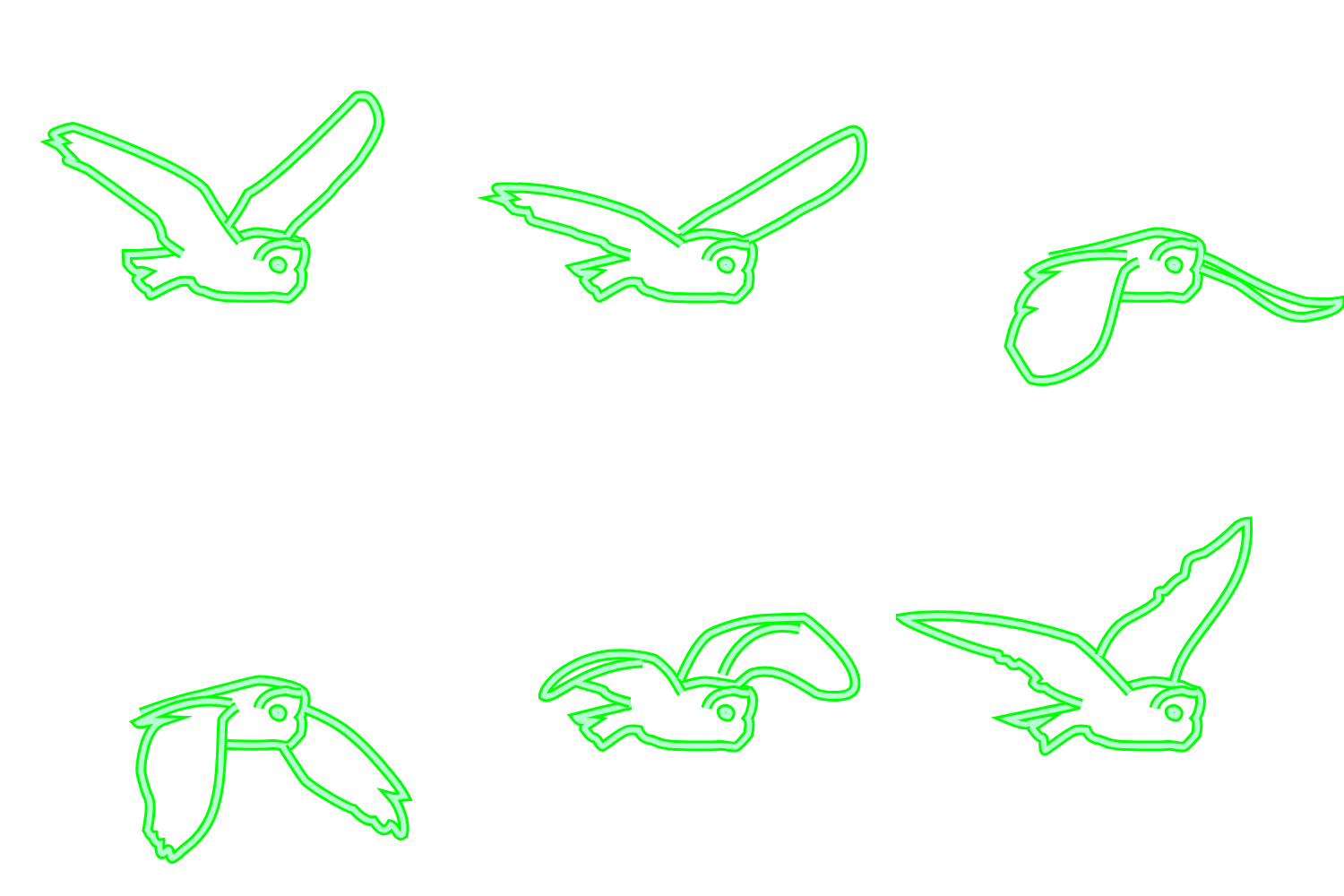
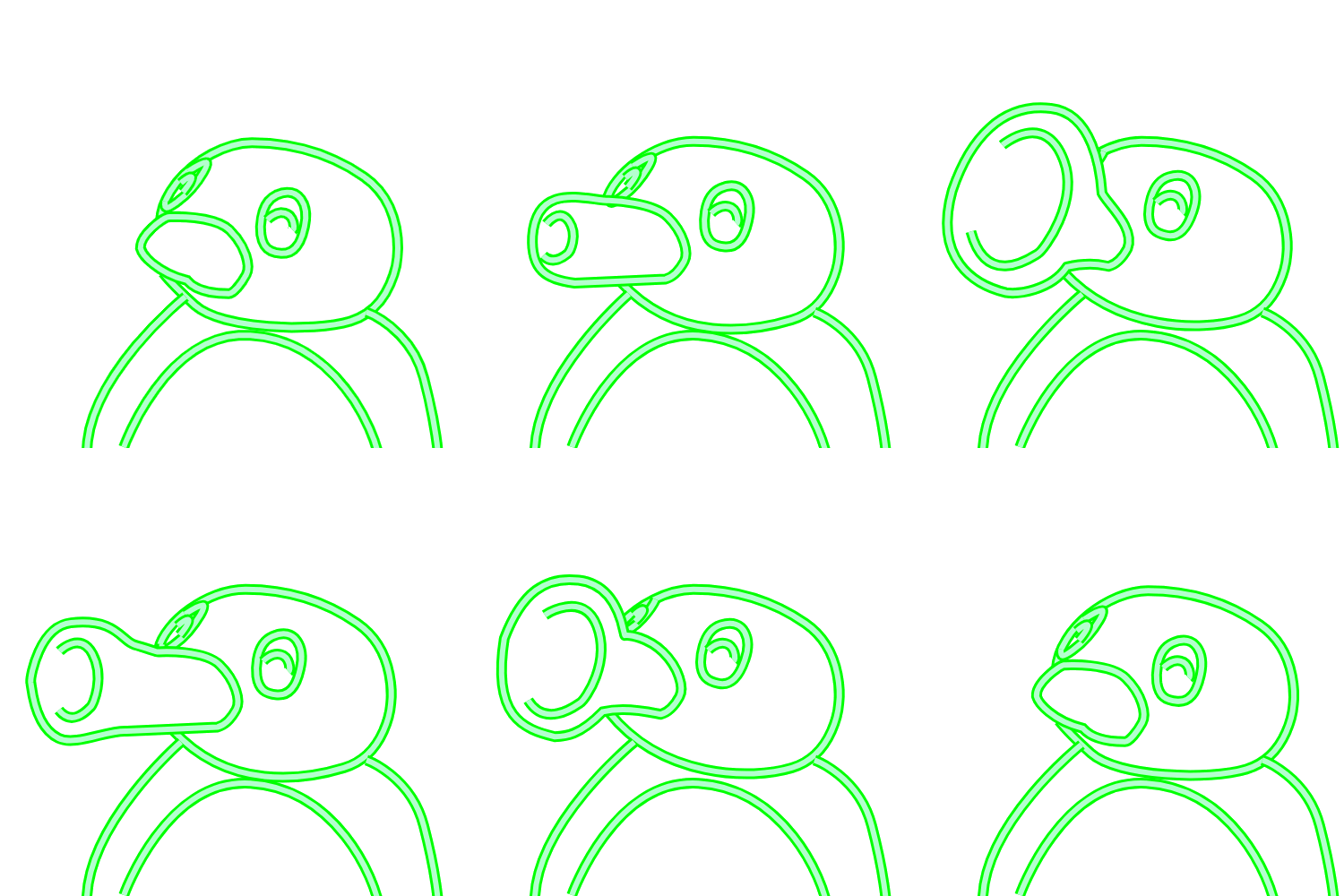
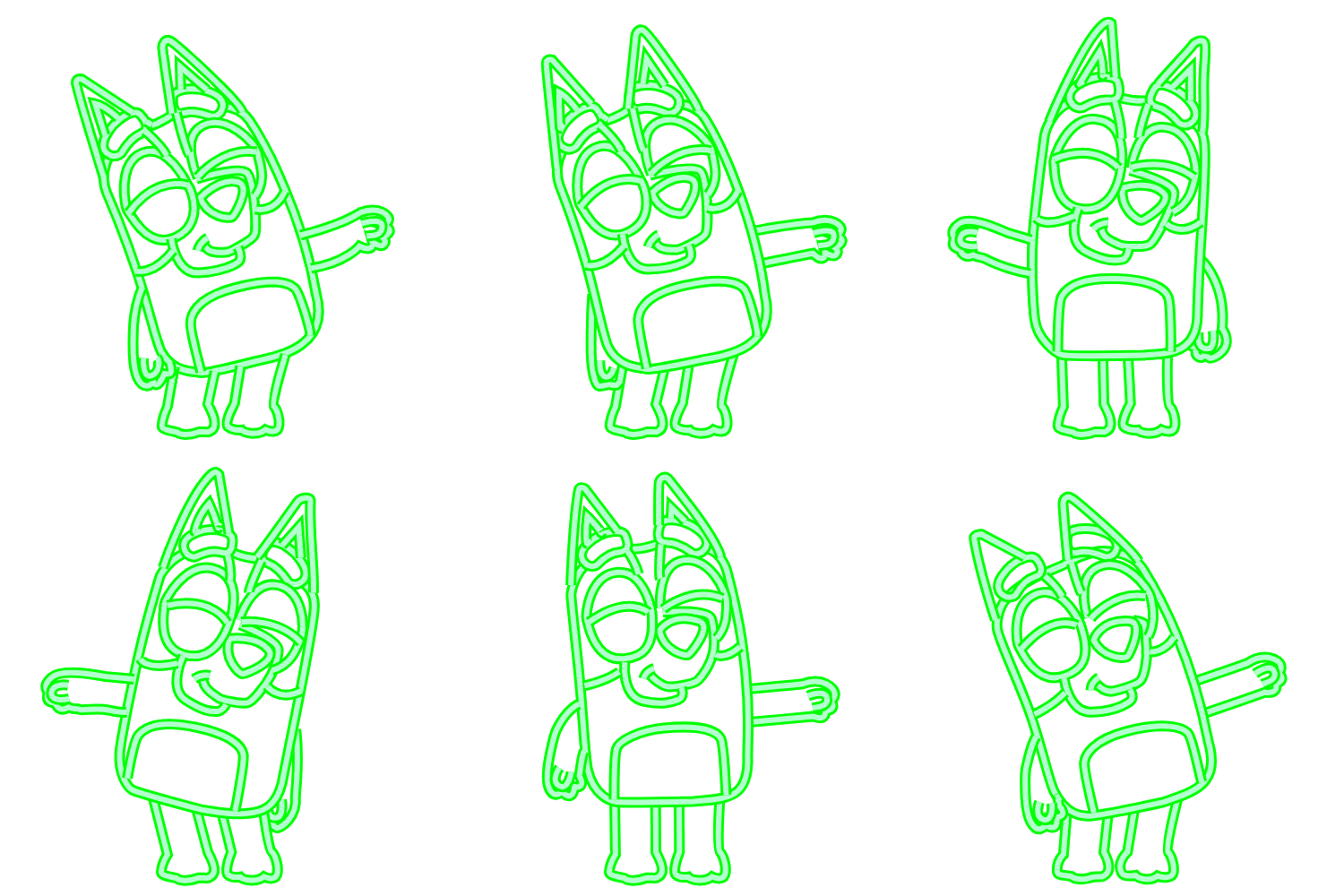
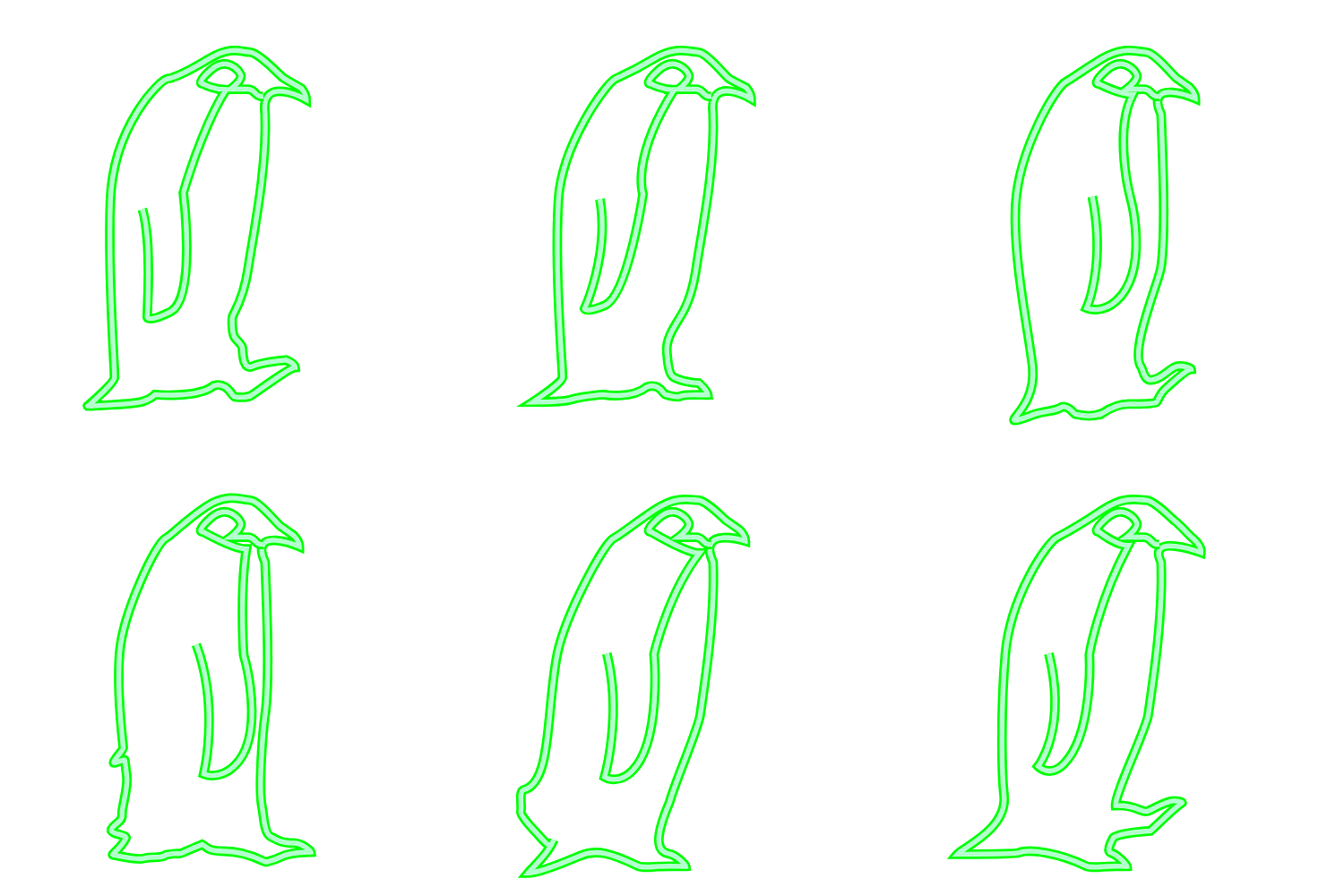
Most oscilloscopes have an XY mode which lets you drive the beam position directly with two voltage inputs — one for horizontal, one for vertical. This makes them natural vector displays, capable of drawing anything you can express as a series of coordinates.
As part of my plotter work I have been playing around with vectorizing all sorts of things and decided to build a vector based pipeline so that I could convert SVG files (one layer per frame) into animations, which could then be shown on the Sencore’s CRT.
In all I created 16 animations which fit into the available flash memory of the ESP32 with room to spare.
Full videos are available - here, and here, and also here.
Rotoscoping
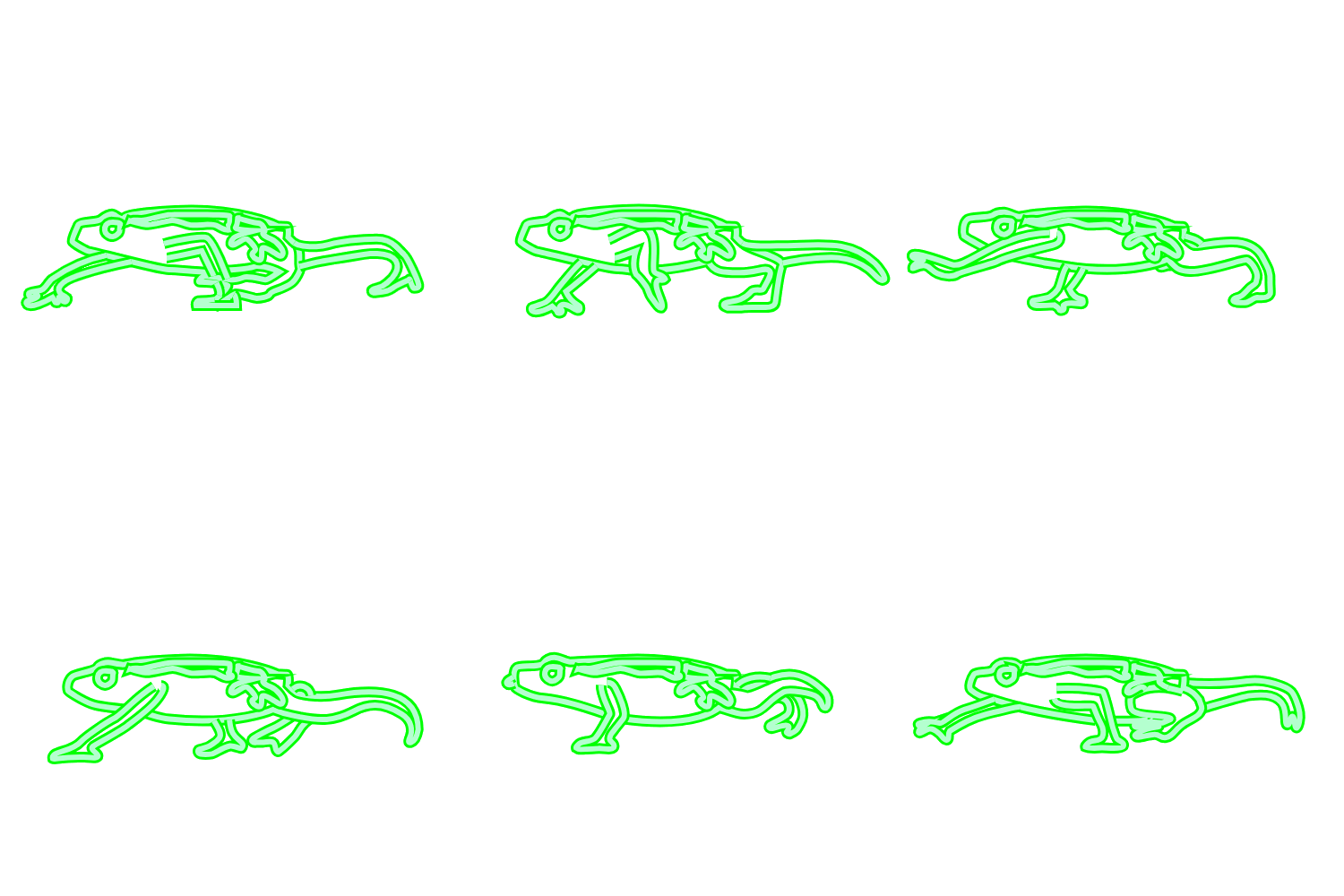
The simplest and most pure animations for this project were created in Inkscape. I converted video to a series of frames, stacked them each on their own layer and then started tracing. It was time consuming but enjoyable and I really like the results.
3D Blender + Freestyle
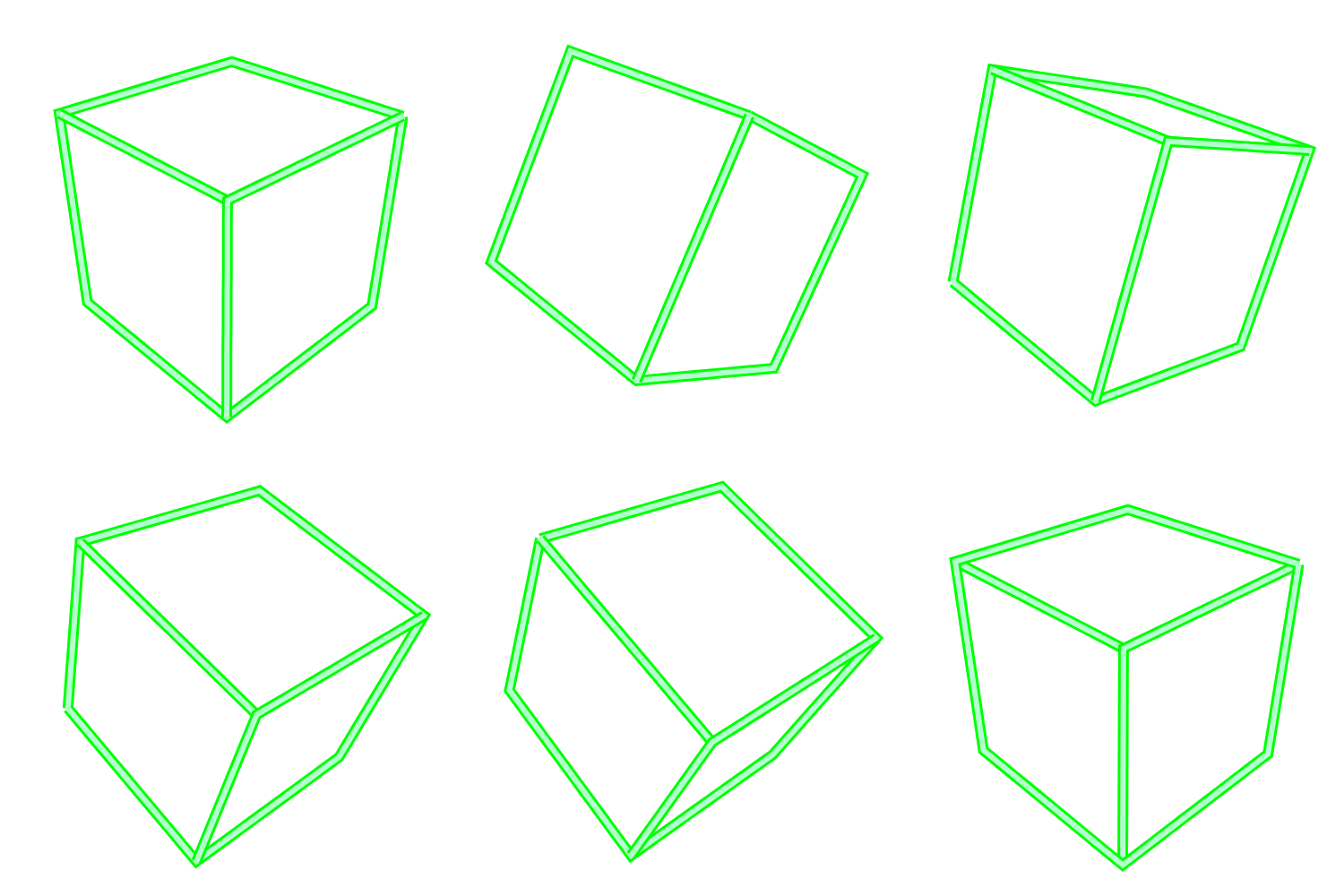
Freestyle is an amazing Blender built-in add-on which can generate line art from a 3D scene. Tuning the parameters to achieve the desired look is an art but the results are impressive.
Freehand
I drew some of these animations by hand as well. I tried a few tools for this without finding anything I liked so I ended up doing this in Inkscape as well. My partner contributed this wolf to sheep morph which was done in Procreate and then I auto traced it in Inkscape.
Processing
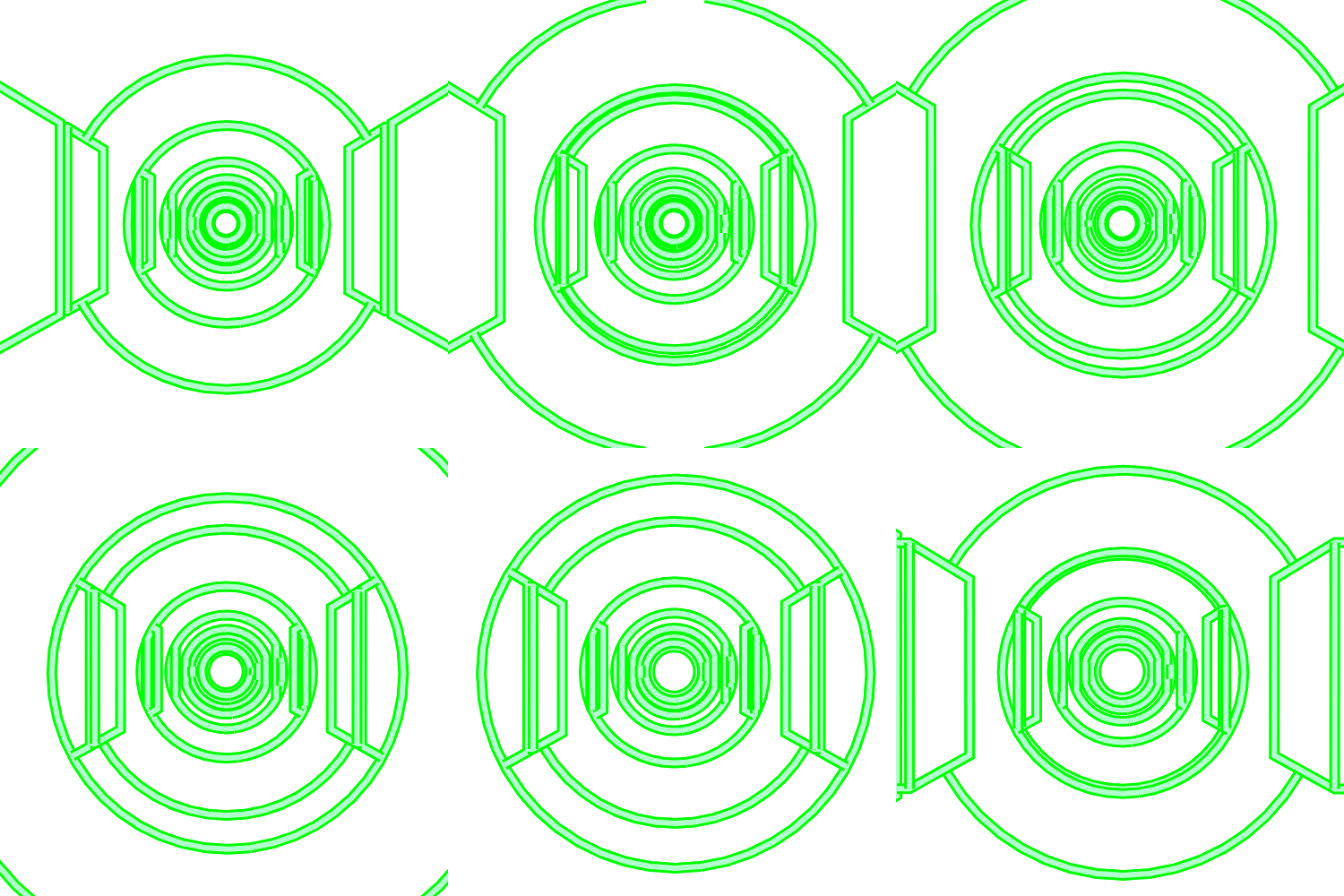
I had wanted to play with Processing for awhile and this was a good excuse. I modified some of their examples to generate the text. The text is busy enough that it flickers on film because the CRT electron gun can’t keep up but in person it’s nice and smooth.
Turtles
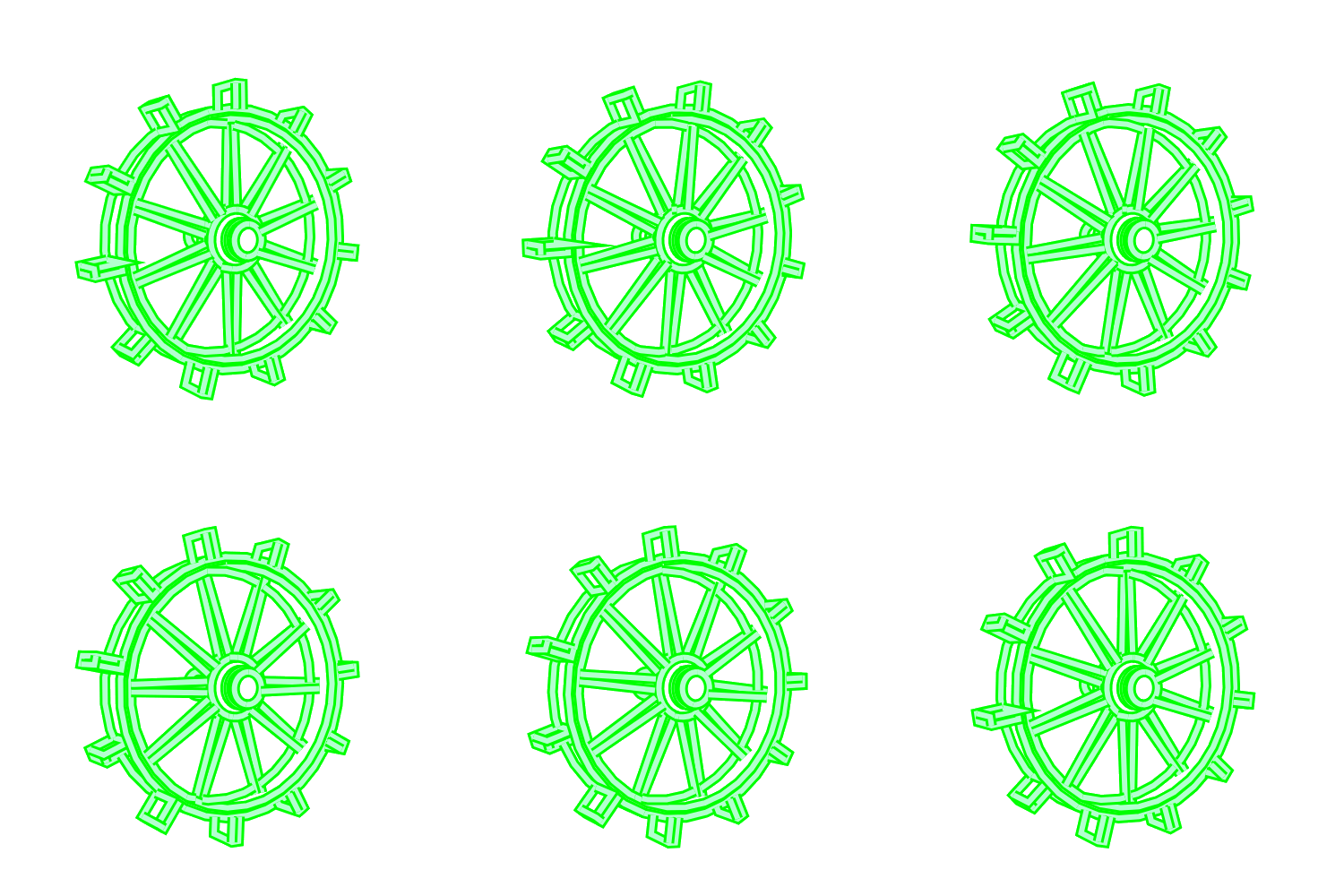
I’ve made some turtle toys in the past and decided to port the differential growth generator into an animation.
Animation Conversion
The animation frames in SVG format were then traced using some scripts I wrote to convert them to x/y coord pairs in C++ format so they can be imported into the Arduino code that runs on the ESP32. This isn’t the most compact format but luckily I ran out of free time to create the animations before I ran out of storage space.
Hardware
Getting the ESP32 talking to the Sencore was simpler than I expected. The scope’s two probe inputs map directly to the ESP’s DAC outputs — one for X, one for Y — and together they steer the CRT beam to draw each frame. Complex frames can push the electron gun faster than it can keep up, which causes the flickering you might notice in the videos. In person it’s completely smooth, which made the first successful test genuinely exciting to see.
To keep everything self-contained I spliced into the Sencore’s internal 9 volt rail and regulated it down to 3.3V for the ESP. The DAC outputs tap onto the probe lines, so if I ever wanted to hand the scope back to someone for actual electronics work, it’d take about five minutes to revert.
Giphy
I also converted all the animations to GIF so I could uploade them to giphy and use them in FB messenger.